The build wheel
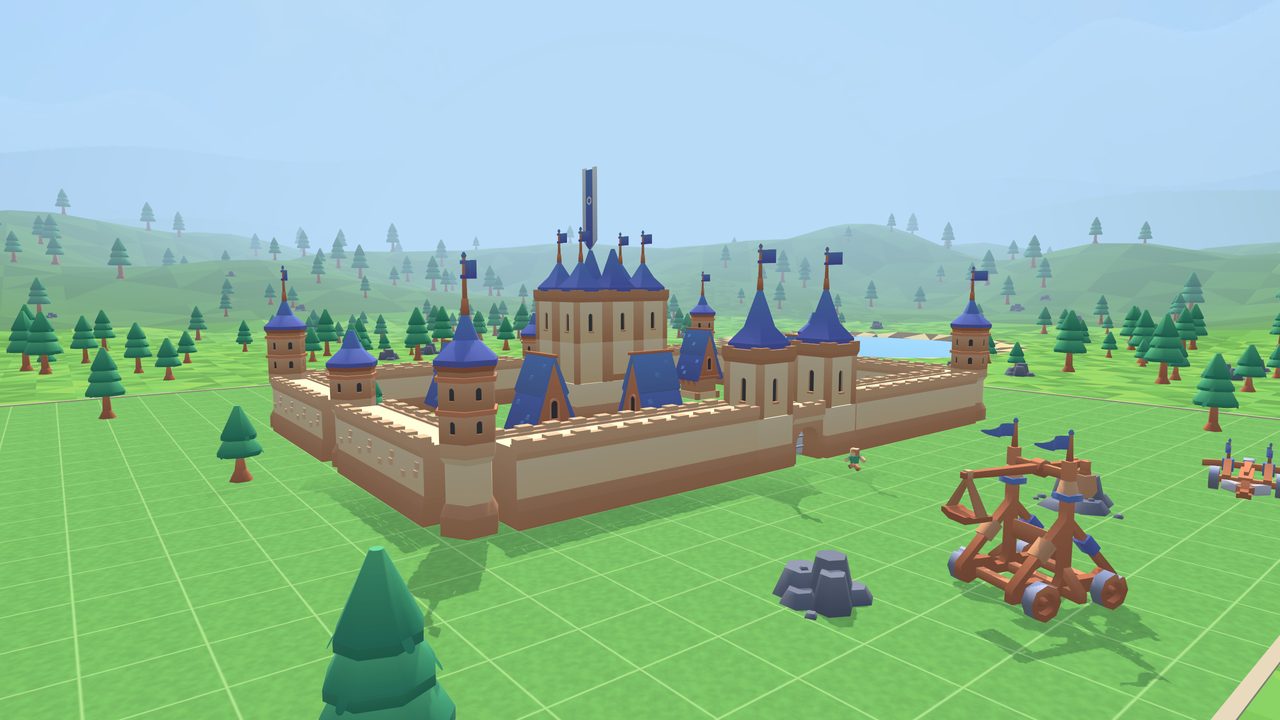
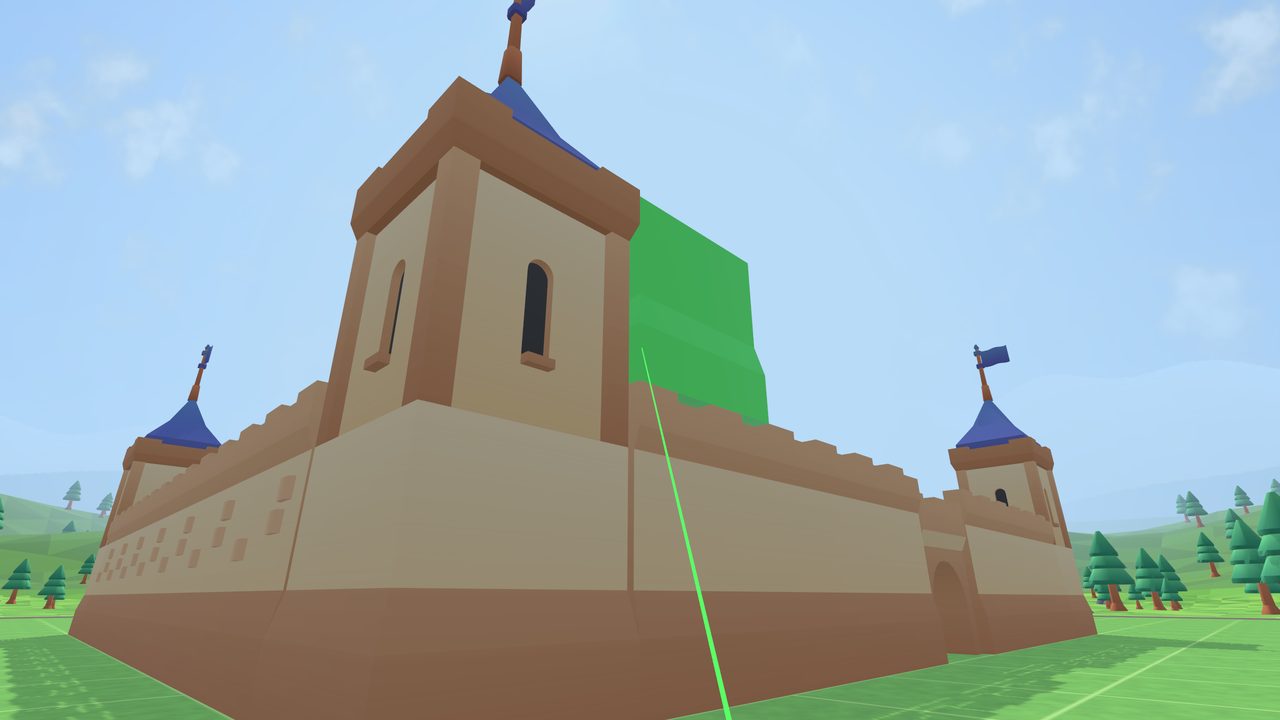
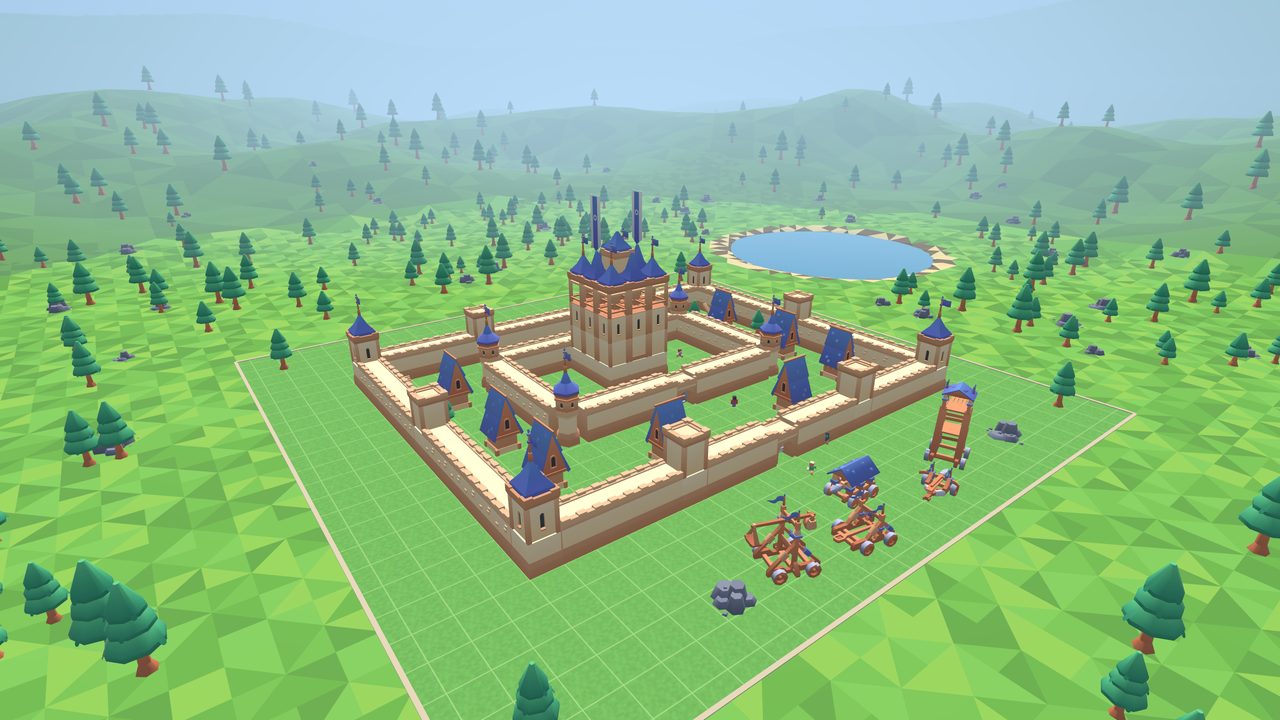
Five pages of pieces: walls, corners, doorways and stairs; square and round towers with windows, balconies, roofs and spires; gate arches, drawbridges, doors and banners; trees, rocks and siege engines. Point, pull the trigger, and it snaps onto the tile grid. Aim at the top of a piece and the next one stacks on.
Gates you can use
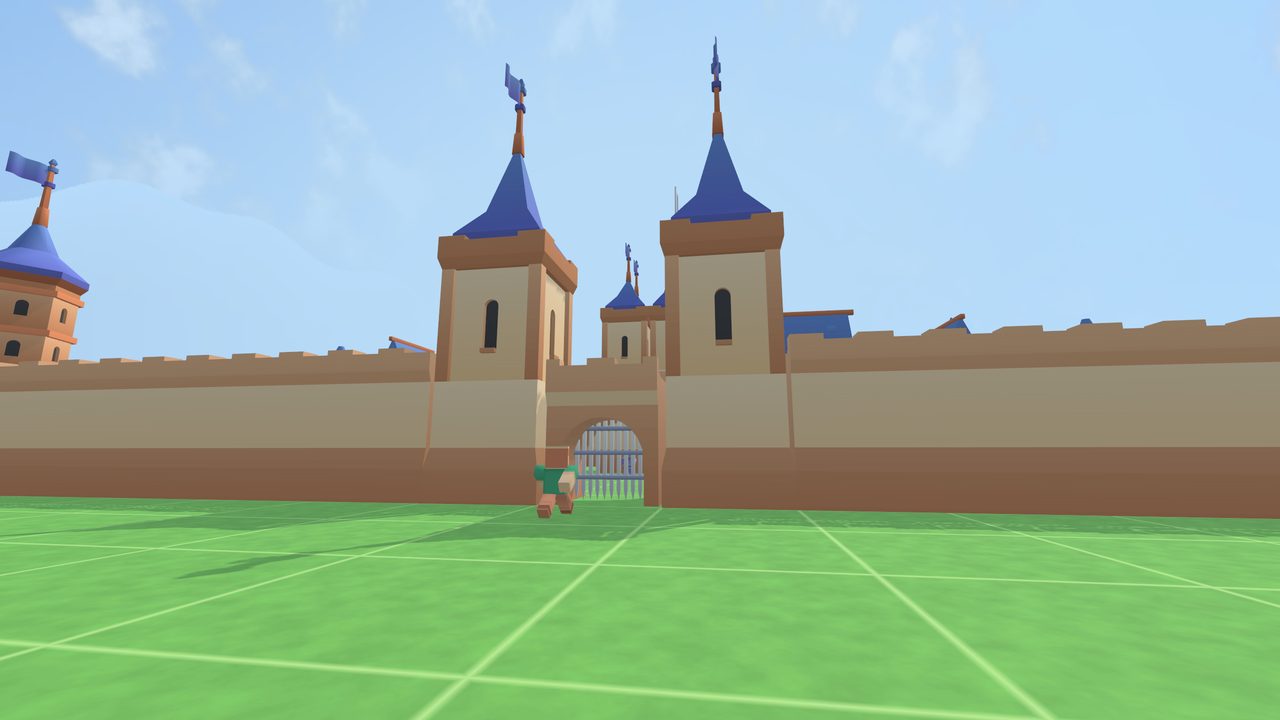
Build a gatehouse and drop in a portcullis. It winches itself up as you walk to it, and again for your villagers.
People
Twelve villagers to place from the wheel. Set one down and they walk your castle grounds, never through a wall, and wave when you come close. Pick them up and move them like any other piece.
Castle colours and ready-made castles
One press cycles eight colour styles across everything you built. Starter Fort, Royal Castle and Grand Fortress drop in piece by piece to explore or build on. Everything auto-saves, with undo.